
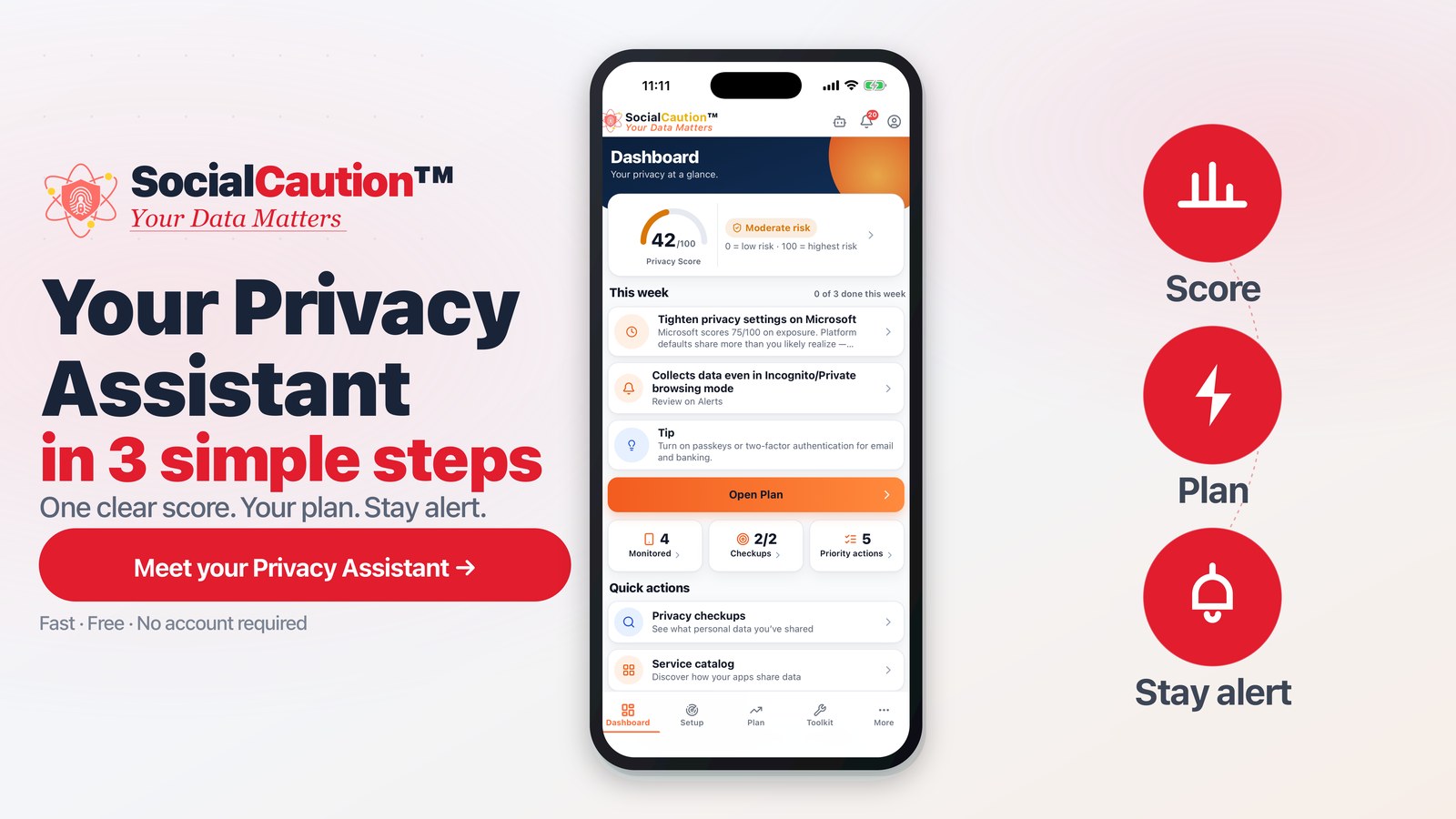
SocialCaution 2.0 puts a Privacy Assistant up front in a simpler app—so you can ask a question or pick a topic and get a clear next step, without turning privacy into another dashboard to manage.
Key takeaways
-
Privacy Assistant — ask or pick a topic; get guidance toward your next step.
-
One score, one plan — a clearer Dashboard and Plan so priorities are easier to see.
-
Same tools, fewer screens — Setup, Toolkit, and weekly check-in are streamlined, not stripped.
-
Still on your phone — no account required; SocialCaution does not claim to scan your accounts or remove data for you.
Why 2.0 exists
Privacy advice is easy to collect and hard to use: one article about browsers, another about brokers, none that say what to do first for your situation. Version 2.0 is a redesign around that gap—an assistant and a simpler shell so the whole picture (your concern, apps, habits, rights, and next steps) is easier to act on.
What’s new
Privacy Assistant
Ask a question or choose a quick topic. The assistant helps you find a next step that fits how SocialCaution already thinks about exposure—not a one-off tip dump.
Dashboard & Plan
One score, one next step, and your top actions. The Plan keeps progress visible with weekly check-in and score history so you can see change over time.
Clearer Setup & Toolkit
Fewer screens to reach the same toolkit and concern-based setup. Light and dark mode, plus continued French and Spanish improvements.
What 2.0 does not claim
SocialCaution runs on your device. It does not scan or read your accounts for you, send removal requests on your behalf, erase data for you, or give legal advice. You stay in control of what you send and which tools you use.
How it fits the SocialCaution approach
The blog’s story lanes and the Approach page describe privacy as a whole picture—not isolated tips. The app matches that idea: start from your concern, see what matters, then take the next step with tools that stay on your phone. Free to start; Standard unlocks the Dossier and alerts when you want deeper tracking of your plan.
Where to go next
-
Update the app from the App Store or Google Play when 2.0 is available for your device.
-
Or start on the web — set your privacy concern and see the same whole-picture framing before you install.
-
Keep reading — story lanes on this blog stay evergreen; 2.0 is the product shell that makes acting on them simpler.
Headline for 2.0: Your Privacy Assistant — now in a simpler app.